Download the 78kbd App — Free APK for Android
The 78kbd app puts the full casino in your pocket: slots, live tables, crash games, and sports — all in one lightweight install. Version 3.9.14, 36 MB, Android 8.0 and up. No Play Store needed. Scan the QR or tap the button to get started.
Android 8.0+ · v3.9.14 · 36 MB · Free
Scan to download
Is the 78kbd APK Safe to Install?
Android blocks APKs from outside the Play Store by default. That is a sensible safety feature — not a sign that something is wrong. Here is what the 78kbd app actually does and does not do on your device.
Source Verification
The APK file you download from this page is the official 78kbd build, served directly from our domain. The file hash is checked on every download. Do not install APKs shared via WhatsApp or Telegram groups — those may be modified. Always use 78kbd.ws/78kbd-app/ as your starting point.
Permissions the App Requests
The app requests internet access, storage (to save your session), and notification permission (optional — for deposit confirmations and match alerts). It does not ask for camera, contacts, or microphone access. If an installer asks for more than this, you are not installing the genuine 78kbd app.
Data & Login Security
All traffic between the app and 78kbd servers uses TLS encryption — the same standard your bank uses. Your password is never stored in plain text on the device. If you share your phone, use the in-app logout button after each session rather than just closing the app. Enable your phone's screen lock for an extra layer of protection.
Keeping the App Up to Date
When a new version releases, you will see an update banner inside the app. Tap it to download and install the latest APK — the process takes under two minutes. Running an old version may cause login errors or missing game content. Version 3.9.14 (updated 2026-11-03) is current. Check this page whenever you need to re-download.
App vs Browser — What's Different
Both the 78kbd app and the mobile website give you the full game library. But the native app has real advantages for daily players in Bangladesh — especially on a slower mobile connection or when you want push alerts for bKash deposits.
| Feature | 78kbd App | Mobile Browser |
|---|---|---|
| Full game library access | ✓ | ✓ |
| Push notifications (deposit, bonus, match) | ✓ | — |
| Faster load time on 3G/4G | ✓ Cached assets | Slower on first load |
| Biometric login (fingerprint / face) | ✓ | — |
| Auto-reconnect after network drop | ✓ | Manual refresh needed |
| bKash / Nagad quick-pay shortcut | ✓ | — |
| Live score ticker for cricket / football | ✓ | — |
| Works without installing anything | — | ✓ |
| iOS support | — (see PWA below) | ✓ |
| Storage used on device | 36 MB | Cache only (~5 MB) |
Not on Android? See the iOS / iPhone section below — you can still get a near-native experience with a home screen shortcut.
What's Inside the 78kbd App
One install gives you the whole 78kbd platform. Here is what players open the app for most on match nights and during the morning commute.
Slots — over 4,000 titles
Habanero, Red Tiger, Playtech, JDB, CQ9, KA Gaming and Ezugi slots all load in the app without any extra plugin. Min bet as low as ৳1. The app caches game thumbnails so the lobby opens in seconds even on a 3G connection in Dhaka or Chattogram.
Live Casino Tables
Ezugi and Playtech live dealers stream in HD through the app. Single Deck Blackjack, Andar Bahar, Roulette — all optimised for a 6-inch screen. The app keeps the video stream stable when you switch between mobile data and Wi-Fi mid-session.
Crash & Instant Games
Aviator, Crash, and other multiplier games feel snappier in the app than in a browser tab because the WebSocket connection reconnects automatically after a brief signal drop — which matters a lot when you are watching a live multiplier climb on mobile data.
Cricket & Football Betting
Follow BPL, IPL, T20 World Cup, and Premier League markets inside the app. The live score ticker at the top of the sports screen updates every 10 seconds. You can place a bet and switch to a slot while waiting for in-play odds to update — no need to open a second tab.
bKash & Nagad Deposits
The app has a quick-pay shortcut that pre-fills the 78kbd merchant number for bKash and Nagad. Minimum deposit ৳350, funds arrive in under 2 minutes. Rocket and Bank Transfer are also available. The deposit history screen shows every transaction with a timestamp and status.
Push Alerts & VIP Updates
Allow notifications and the app will alert you when a bKash deposit clears, when a withdrawal is processed, or when a reload bonus is live. VIP Plus, Prime, and Elite members also get advance notice of limited-time promotions — typically 30 minutes before they go public on the website.
Popular right now inside the app


Browse the full library at 78kbd Casino or explore slot strategy at our Slots Guide.
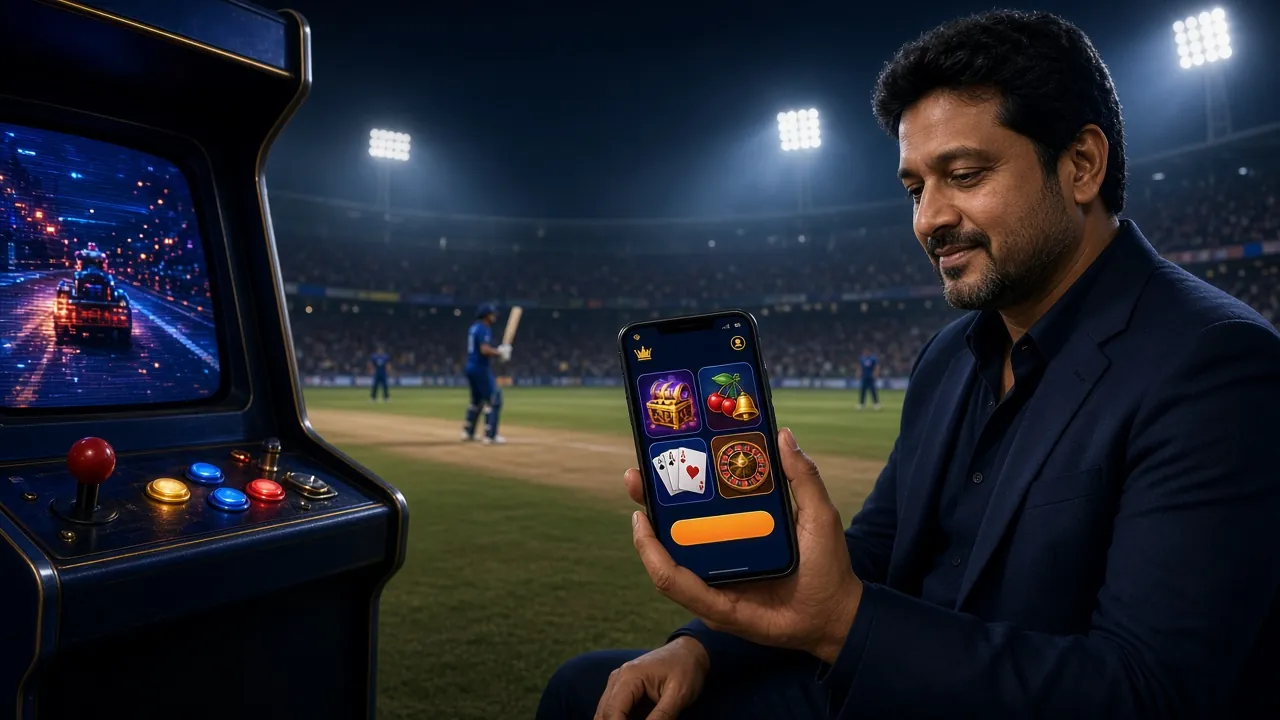
System Requirements & Version Info
The 78kbd app is a lightweight APK — it won't eat your storage or drain your battery any faster than a standard messaging app. Check the table below before you install.
Download Now
After downloading, follow the installation steps below. If you don't yet have an account, register here — takes about 2 minutes.
- Verified APK
- SSL Encrypted
- 24/7 Support
- bKash · Nagad
Android APK Installation — Step by Step
The whole process takes about 3 minutes on a standard Bangladesh 4G connection. Follow these steps exactly the first time — especially step 2, which is the most common point where people get stuck.
-
1
Allow installations from unknown sources
Go to your phone's Settings → Apps → Special App Access → Install Unknown Apps (exact path varies slightly by Android version and phone brand). Find your browser (Chrome, Firefox, or your file manager) and toggle "Allow from this source" to ON. This setting only needs to be done once — you can turn it off again after installing 78kbd if you prefer.
-
2
Download the APK file
Tap the Download APK button on this page (or scan the QR code). The file is 36 MB — on a 4G connection it downloads in roughly 20–40 seconds. On a slow 3G connection it may take 2–3 minutes. Do not close your browser while the download is in progress. When done, your notification bar will show "78kbd.apk — download complete."
-
3
Open and install the APK
Tap the download notification, or open your phone's Files app, navigate to the Downloads folder, and tap 78kbd.apk. Android will show a standard install dialog listing the app's permissions. Review them (internet, storage, notifications — nothing else), then tap Install. Installation takes 10–20 seconds depending on your phone's speed.
-
4
Log in or create your account
Once installed, tap Open. If you already have a 78kbd account, enter your phone number and password on the login screen. New players: tap Register to set up an account directly inside the app — it uses the same process as the website and takes about 2 minutes. Your welcome bonus applies automatically on first deposit.
-
5
Make your first deposit and play
Go to Wallet → Deposit inside the app. Select bKash, Nagad, Rocket, or Bank Transfer. Minimum deposit is ৳350. Funds arrive in under 2 minutes for bKash and Nagad. Your first deposit activates the welcome bonus — check the Bonus tab inside the app to confirm it has been credited before you start playing.
iPhone & iPad Users — Home Screen Shortcut
Apple does not allow APK files, but you can add 78kbd to your iPhone home screen in Safari. It opens like a native app — full screen, no browser bar.
-
1
Open 78kbd.ws in Safari
Use Safari specifically — this feature does not work in Chrome or Firefox on iOS. Navigate to 78kbd.ws. Log in if you have an account, or proceed to step 2 first.
-
2
Tap the Share icon
At the bottom of the Safari screen, tap the Share button (the box with the upward arrow). Scroll down in the share sheet until you see "Add to Home Screen."
-
3
Name and confirm
Edit the name to "78kbd" if you like, then tap Add. The 78kbd icon will appear on your home screen. Tap it to open the site in a full-screen view — no address bar, no browser tabs. It behaves like an installed app.
Common Installation Problems & Fixes
Most APK install issues have simple fixes. Check the table below before contacting support — in most cases you will be up and running in under a minute.
| Problem | Likely Cause | Fix |
|---|---|---|
| "Install blocked" message | Your browser or file manager does not have "Install Unknown Apps" permission turned on. Android requires you to grant this per app that opens APK files. | Go to Settings → Apps → Special App Access → Install Unknown Apps, find the app you used to download (Chrome, Files, etc.), and enable it. Then try tapping the APK again. |
| Download stops midway | Unstable mobile data connection or low storage on the device — Android cancels downloads when available storage drops below a threshold (~500 MB). | Free up storage (delete unused apps or photos), switch to Wi-Fi or move to an area with stronger signal, then restart the download from this page. The file is 36 MB so a stable connection is all you need. |
| "App not installed" error after tapping Install | An older version of 78kbd is still on the device but was installed from a different source, causing a signing conflict. Or the downloaded APK file was corrupted mid-download. | Uninstall any existing 78kbd app first (Settings → Apps → 78kbd → Uninstall), then download a fresh copy from this page and install again. Do not install over the top of an older version if you see this error. |
| App opens to a blank white screen | The app is trying to load but cannot reach the server — usually a DNS or VPN issue. Some ISPs in Bangladesh briefly throttle new app traffic. | Close and reopen the app. If the blank screen persists, disable any VPN or proxy, switch between mobile data and Wi-Fi, and try again. Clearing the app cache (Settings → Apps → 78kbd → Storage → Clear Cache) also resolves this in most cases. |
| Login fails after install | Wrong password, or account not yet registered. New installs sometimes show a cached login form with an old number pre-filled. | Clear the login fields manually and re-enter your credentials. If you have forgotten your password, use the "Forgot Password" link on the login page. If you don't yet have an account, tap Register inside the app. |
Still stuck? The 78kbd support team is available 24/7 via Live Chat inside the app or by email at [email protected].
Get the 78kbd App on Your Phone
-
Deposits land in under 2 minutes
bKash, Nagad, Rocket, and Bank Transfer all supported. Top up and play without switching apps.
-
Over 4,200 games in one install
Slots, live tables, crash games, fishing, and card games — all accessible from the home screen.
-
Push alerts for cricket and bonuses
Get notified when your deposit clears or when a live match market opens. Turn off any time.
-
TLS-encrypted, no bloatware
36 MB download, no ads, no background tracking. Runs clean on Android 8.0 and later.
Scan with your camera to download directly to your Android device
78kbd App — Questions Players Ask Most
Answers based on the most common messages our support team receives about the 78kbd app download and install process.
Is the 78kbd APK safe? Will it harm my phone?
Why is the 78kbd app not on Google Play Store?
How do I update the 78kbd app when a new version is released?
Can I use the same 78kbd account on both the app and the website?
How much storage does the 78kbd app use over time?
Does the app work with bKash and Nagad for deposits?
What should I do if the app shows a "connection error" during a game?
Ready to play? The app installs in 3 minutes.
Download the APK, create your account, and your first deposit bonus credits automatically. Need help? Live chat is open 24/7 — tap the chat icon inside the app.
18+ · Play Responsibly · Android 8.0+ · Free download